Some time ago me and a collegue were debugging a problem with a Teams personal app, we got the following response in Teams:
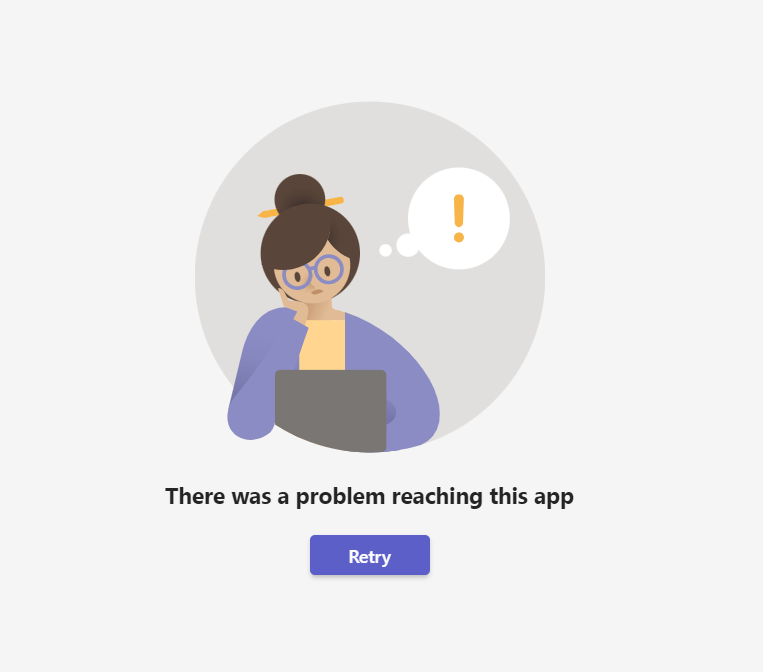
Which was not so helpful isn’t it? Also the browser console was of no help. It seemed like a problem loading the app, so we took a look at the manifest.json file and everything seemed ok. After a little while researching on the internet we discovered why it was not loading and the problem was indeed in the manifest.json file, the culprit was:
"showLoadingIndicator": true,instead of
"showLoadingIndicator": false,Yep, simple as that, we changed the value and everything started to work as expected.
If you look at the manifest.json schema property here it clearly says that if you specify the showLoadingIndicator property to true then you need to behave a little differently in your code and notify Teams that your app is ready, otherwise after 30 seconds it assumes that your app timed out and show the above error.
If you want to use showLoadingIndicator set to true here you can find the steps to notify Teams of the success or failure of the operation.
Hope that helps!

 I am GuidoZam
Leave a comment