Introduction
[Disclaimer] In this post I will not cover how to create a declarative agent, if you’re interested in knowing the basics you can check my previous post here.
When creating declarative agents the pro-code way, there are plenty of possibilities to customise your agents. In this post, I will cover how to add the capability of creating and execute code for a declarative agent.
The sample declarative agent, that I’ve created as example for this blog post, helps users with data analyst operations.
If you’re interested in checking the sample code you can find it here.
Visual appearance
As every declarative agent, the interface that we have is a chat-like one:
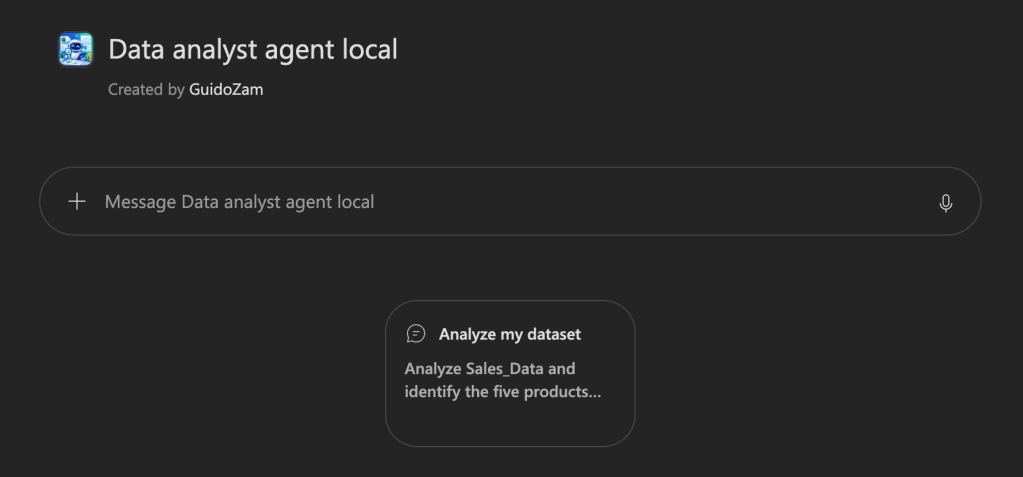
In the sample solution, there is a suggested prompt just to ease testing it out.
Sending the suggested prompt with a sample excel file, will make the declarative agent reply to the user:
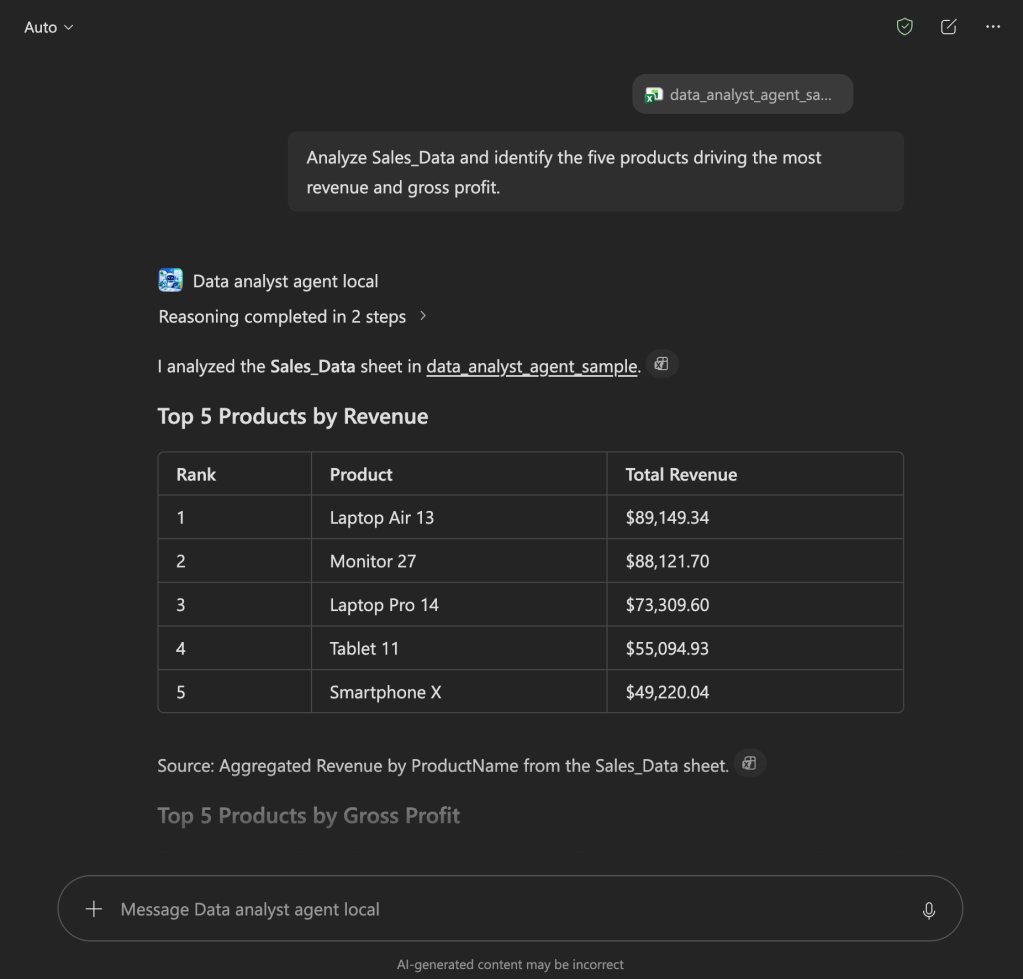
In order to respond to the user prompt, the agent will use coding capabilities to create some code to find the data needed in the attached Excel file.
Show me the code
In the declarativeAgent.json file, alongside the name, description and instructions properties, it’s also possible to define the capabilities property.
This capabilities property contains all the capabilities that the agent will have and, to enable the coding capability, it’s simply done using the following JSON:
"capabilities": [ { "name": "CodeInterpreter" }]
And this simple configuration will allow your agent to create and execute code!
If you’re interested in the official documentation you can find it here.
Conclusions
Adding coding capability to a declarative agent, created with a pro-code approach, is a very easy and straightforward process which empowers your agent to be even more helpful to the user when it comes to specific operations that require code execution to respond to a prompt.
If you’ve never created a declarative agent I suggest that you start with my previous post or navigate to the Copilot dev camp, which is a very comprehensive site with multiple ways of creating your declarative/custom engine/low-code/no-code agents.
Hope this helps!


